
Import
Import canvassing lists without rebuilding the map
Bulk import canvassing lists into BetterKnocks: CSV upload, column mapping, duplicate detection, and addresses on the map.
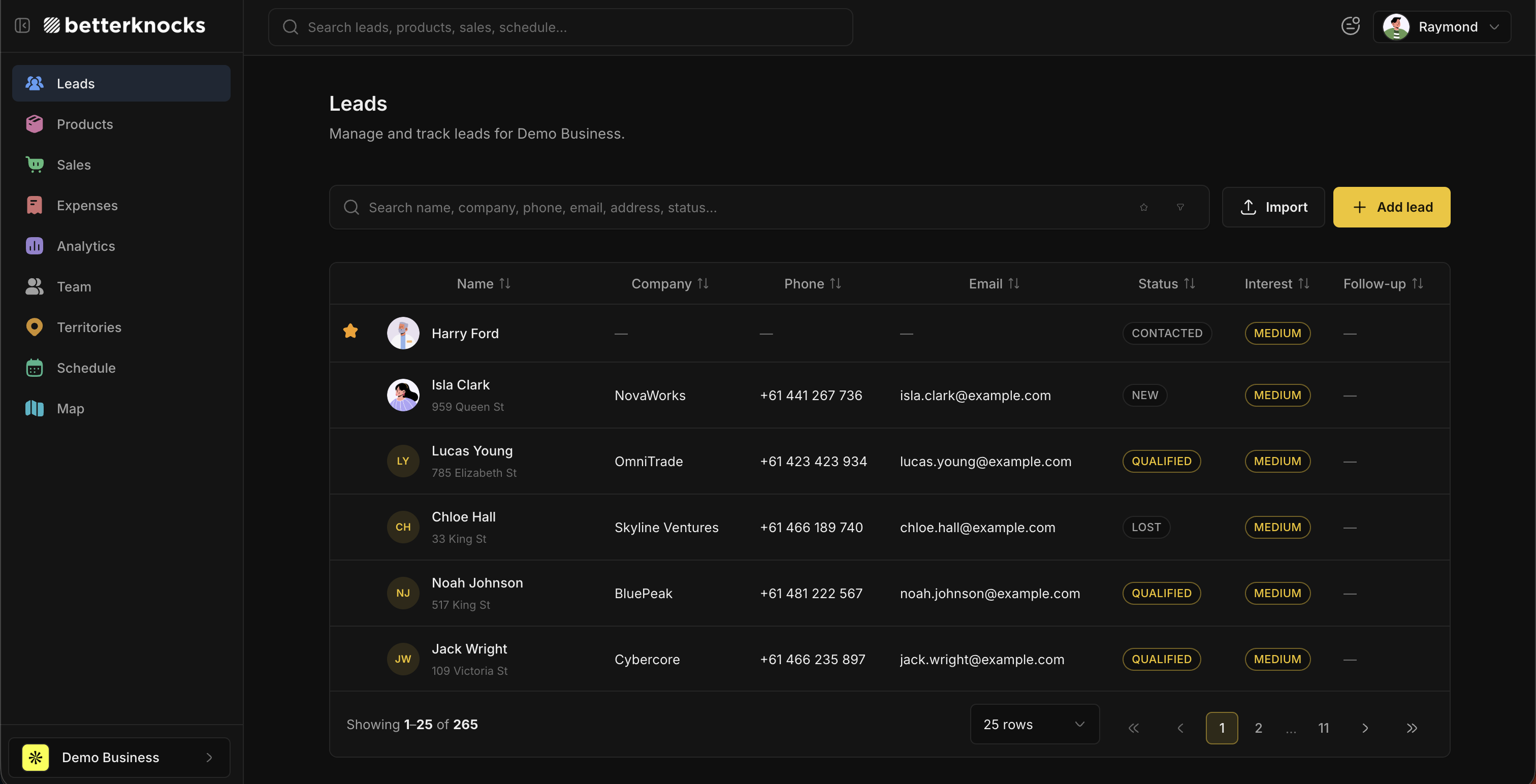
Most crews start the season with a CSV: skip trace, vendor list, or export from last year. BetterKnocks import is a three-step wizard in workspace settings so managers do not hand-key hundreds of doors.
The import wizard
- Upload: drop a CSV. The parser reads headers and row count.
- Map columns: match file columns to name, address, phone, email, notes, and custom fields. Auto-mapping suggests matches from header names.
- Preview and import: see new vs duplicate rows, choose skip/update/merge for duplicates, then commit.
Duplicate handling
Turn on duplicate checking against address, phone, or another field you map. For each duplicate you can skip the row, update the existing lead, or merge fields. Preview shows exactly what will land before you confirm.
After import
- Leads appear in the pipeline with stages you assign
- Addresses geocode onto the territory map when coordinates are present or inferred
- Reps see imported doors on today's route once territories are assigned
- Free plan caps at 2500 leads; large lists need Pro for unlimited leads
API alternative
On Pro, POST /v1/leads from your ETL instead of CSV. Same workspace, same duplicate rules if you check before insert. See /integrations for CRM sync patterns.
FAQ
What CSV columns do I need?
At minimum map one column to Name. Address is strongly recommended for map and route workflow. Phone, email, notes, and custom fields are optional.
Can I import on the Free plan?
Yes, up to 2500 leads in the workspace. Season-sized lists usually need Pro for unlimited leads and team members.